Actions
Actions are where your workflows come to life. They’re the tasks that execute after a trigger fires—from updating records and sending notifications to transforming data and making complex decisions.
The secret to dynamic workflows: Actions can access data from previous steps, making your automations intelligent and responsive. Use the data mapper to weave information throughout your workflow.
Types of Actions
Wakflo organizes actions into four main categories to cover all your automation needs.
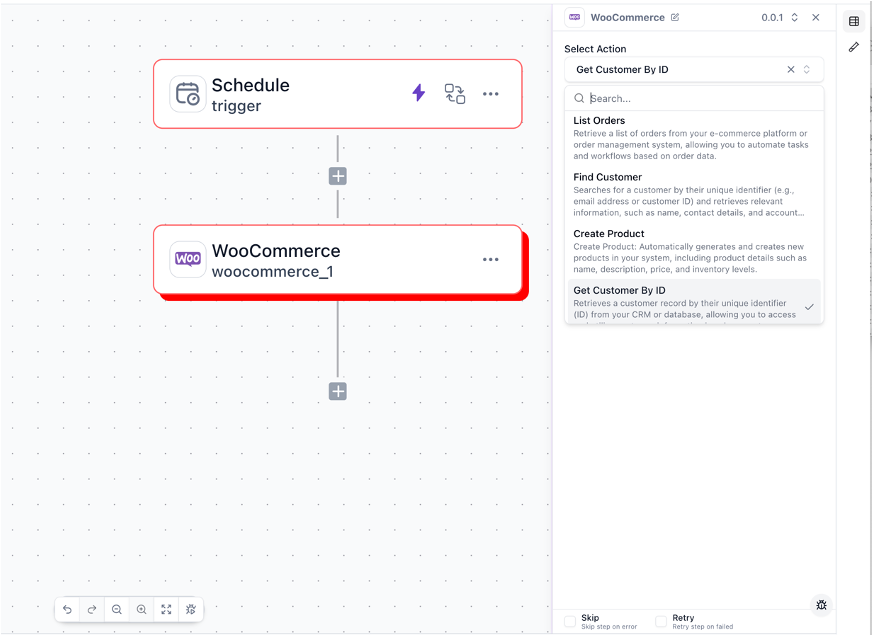
App Actions
App actions interact directly with your connected platforms—the systems that run your business day-to-day.
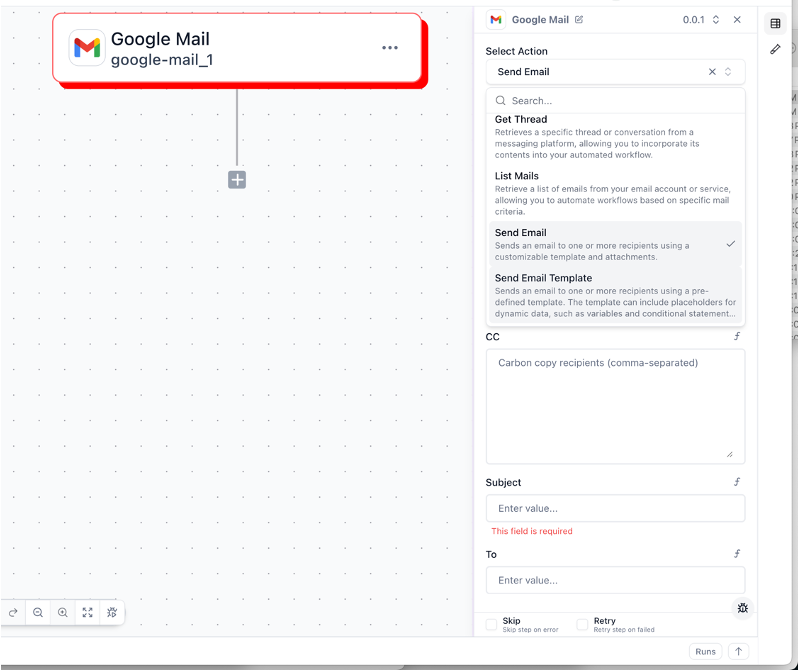
Communication Actions
Keep everyone in the loop with communication actions that send messages across multiple channels.
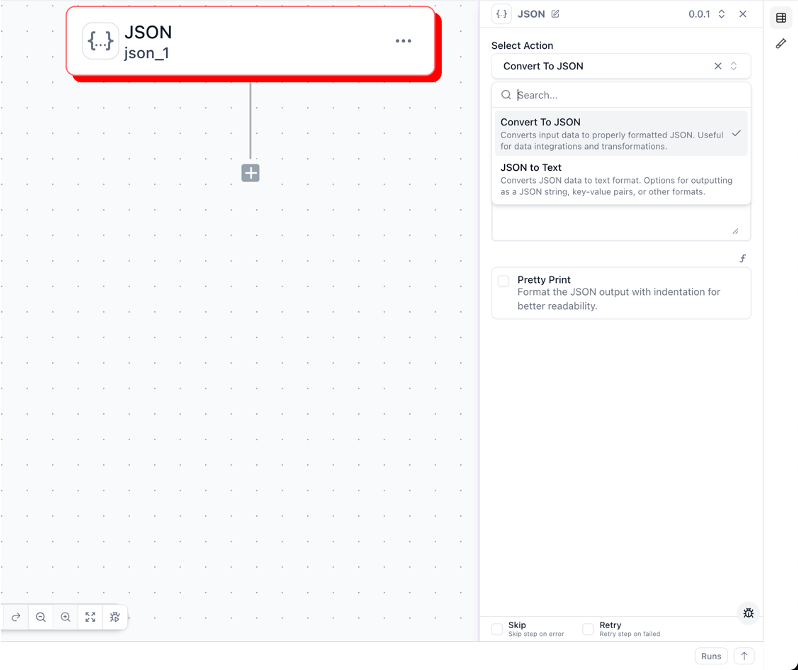
Data Manipulation Actions
Transform, combine, and process data to get it exactly how you need it.
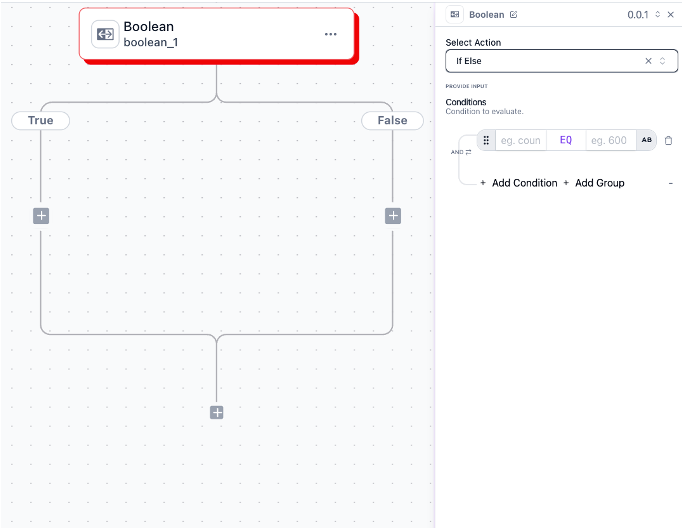
Logical Actions
Control how your workflow flows with intelligent decision-making and iteration.
Simple true/false decisions that split your workflow into two paths
Process each item in a collection, one at a time
Create multiple conditions with different outcomes for each
Configuring Actions
Adding actions to your workflow is straightforward. Here’s the process:
Add action
Click the ”+” button after your trigger or previous action to insert a new step
Select action type
Browse categories and choose the specific action you need
Configure settings
Fill in required fields—Wakflo will guide you through what’s needed
Map data
Connect information from previous steps using the visual data mapper
Set error handling
Decide what happens if this action fails (retry, skip, or stop)
Data Mapping
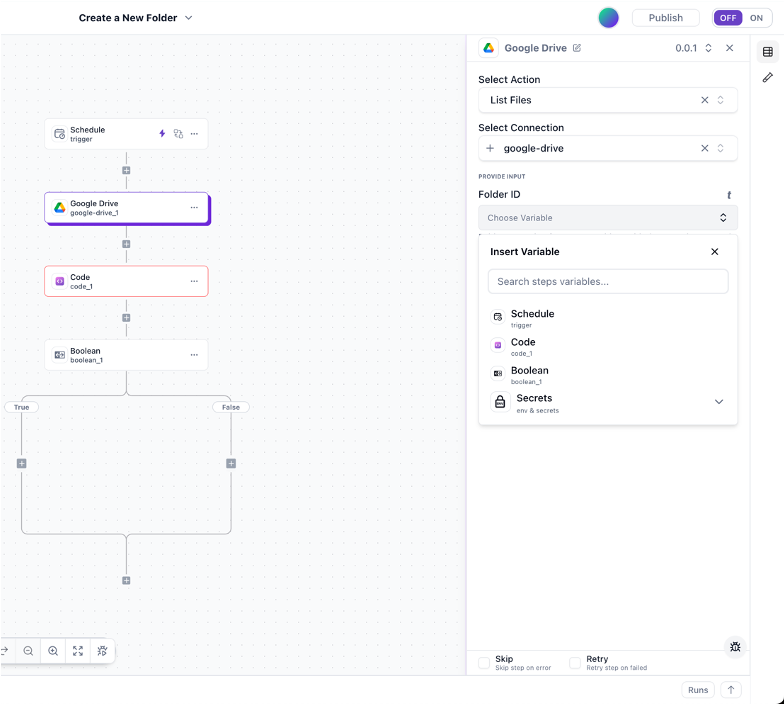
Data mapping is how you use output from previous steps in your current action. It’s one of Wakflo’s most powerful features.
1
Click the “f” button in the top right of any input field
2
See all data from previous workflow steps
3
Click the value you want to use
4
Format or modify the data if needed
Mix static text with dynamic data: In an email subject, try something like "Your order #{{order_number}} has shipped!" to combine your text with mapped values.
Dynamic Value Tools
Wakflo provides powerful tools for advanced data manipulation and transformation.
📐
Build mathematical formulas and calculations to generate dynamic values on the fly
✏️
Format text with concatenation, case changes, trimming, and other string operations
🔀
Create logical expressions that evaluate conditions and return custom values
📋
Extract specific values from complex JSON objects and nested arrays
Common Action Patterns
Learn these fundamental patterns to build effective workflows.
Sequential Actions
Trigger
Action 1
Action 2
Action 3
Conditional Branches
Trigger
Condition
Action A1
Action A2
Action B1
Action B2
Loops
Trigger
Loop Start
Action 1
Action 2
Action 3
Loop End
Final Action
Best Practices
Performance
Process multiple items at once instead of one-by-one to reduce execution time
Combine related operations to avoid hitting rate limits
Store data that multiple steps need instead of fetching it repeatedly
Process large files in chunks or streams rather than all at once
Testing Actions
Always test before going live. Here’s the testing workflow:
Test individual actions
Click the test button on each action to verify it works correctly in isolation
Test the complete workflow
Run an end-to-end test to ensure all actions work together seamlessly
Test with varied data
Try different input scenarios to verify your workflow handles edge cases
Test error handling
Deliberately trigger errors to confirm your error handling works as expected
Always test in a safe environment first. Never test workflows with production data until you’ve verified everything works correctly in a test environment.
Real-World Examples
Order Processing
1
Fetch complete order information from your ecommerce platform
2
Verify all items are in stock before proceeding
3
Hold the items for this order to prevent overselling
4
Create shipping documentation and tracking number
5
Email the customer with order and tracking details
Troubleshooting Common Issues
🔴Action Failures
⚡Performance Issues
🗺️Data Mapping Problems
Continue Learning
Dive deeper into related topics to build even more powerful workflows.