YouTube Integration
Automate your YouTube channel operations with Wakflo. Upload videos, manage content, update metadata, and download captions—all programmatically through your workflows.
OAuth 2.0
Secure Google authentication
Video Upload
Automated content publishing
Channel Management
Full video control
Requirements
- •YouTube channel with content management permissions
- •Google Cloud project with YouTube Data API v3 enabled
- •OAuth 2.0 credentials configured
Available Actions
Manage your YouTube content programmatically through your workflows.
Video Actions
Video Operations
- •Get Video: Retrieve details of a specific video from your channel
- •List Videos: Retrieve all videos from your YouTube channel
- •Update Video: Modify an existing video's information
- •Upload Video: Upload a new video to your YouTube channel
Caption Actions
Caption Operations
- •Download Captions: Download captions/subtitles from a video
Setup Guide
Follow these steps to connect your YouTube channel to Wakflo and start automating.
Connect to Wakflo
In Wakflo, select YouTube integration and complete the OAuth authorization flow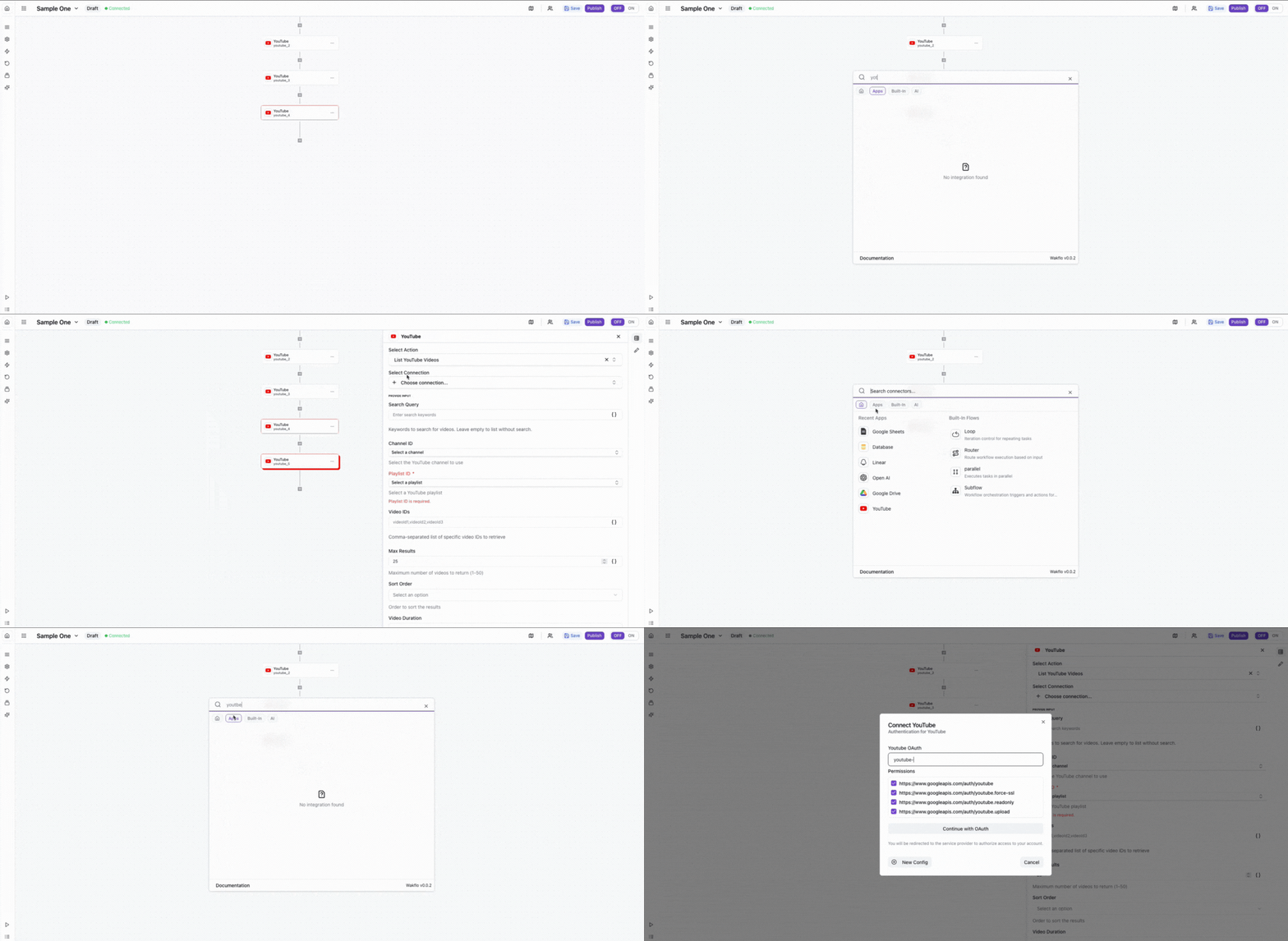
Sign in to YouTube
Log in to your YouTube account when prompted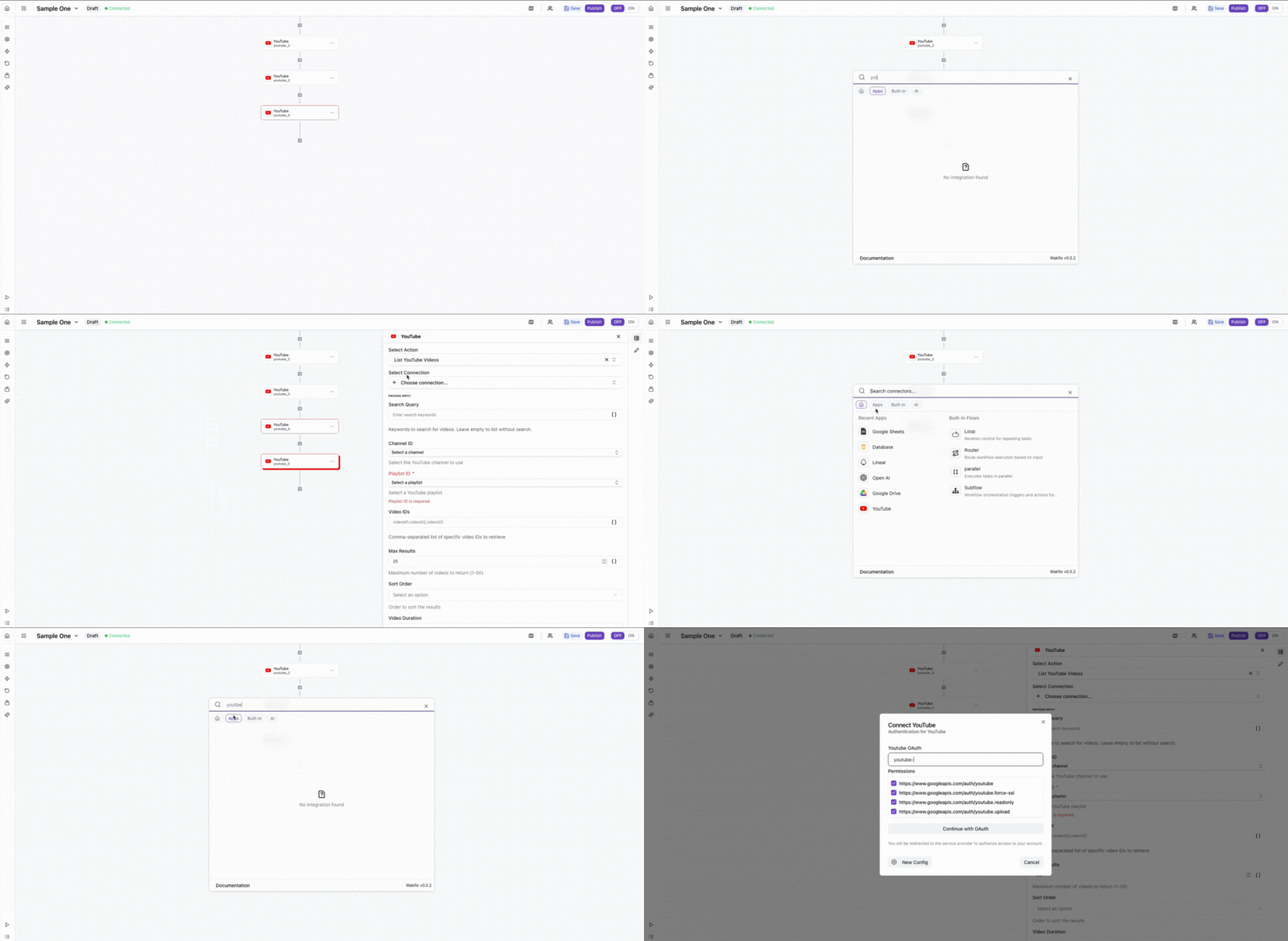
Authorize YouTube Access
Review and grant the requested permissions for Wakflo to access your YouTube channel
Complete Setup
Finish the connection process and start building workflowsImportant: Video uploads are subject to daily quota limits. Standard YouTube accounts can upload videos up to 15 minutes. Longer videos require account verification.
Field Mapping
When working with YouTube:
• Video IDs can be found in the video URL after
v=
• Channel IDs start with UC and can be found in channel URLs
• Privacy status options: public, private, unlisted
• Category IDs are region-specific (see YouTube API documentation)API Limits & Best Practices
| Limit Type | Value | Notes |
|---|---|---|
| Quota per day | 10,000 units | Per project (default) |
| Upload cost | 1,600 units | Per video upload |
| Video duration | 15 minutes | Default, requires verification for longer |
Quota Management: Due to YouTube API quota limits, plan your video upload workflows carefully. Each upload consumes 1,600 units out of your 10,000 daily quota, allowing approximately 6 uploads per day with standard quotas.
Additional Resources
Last updated on